
Create an iOS Application
Create an Xcode Project
Launch Xcode and select Create a new Xcode Project. 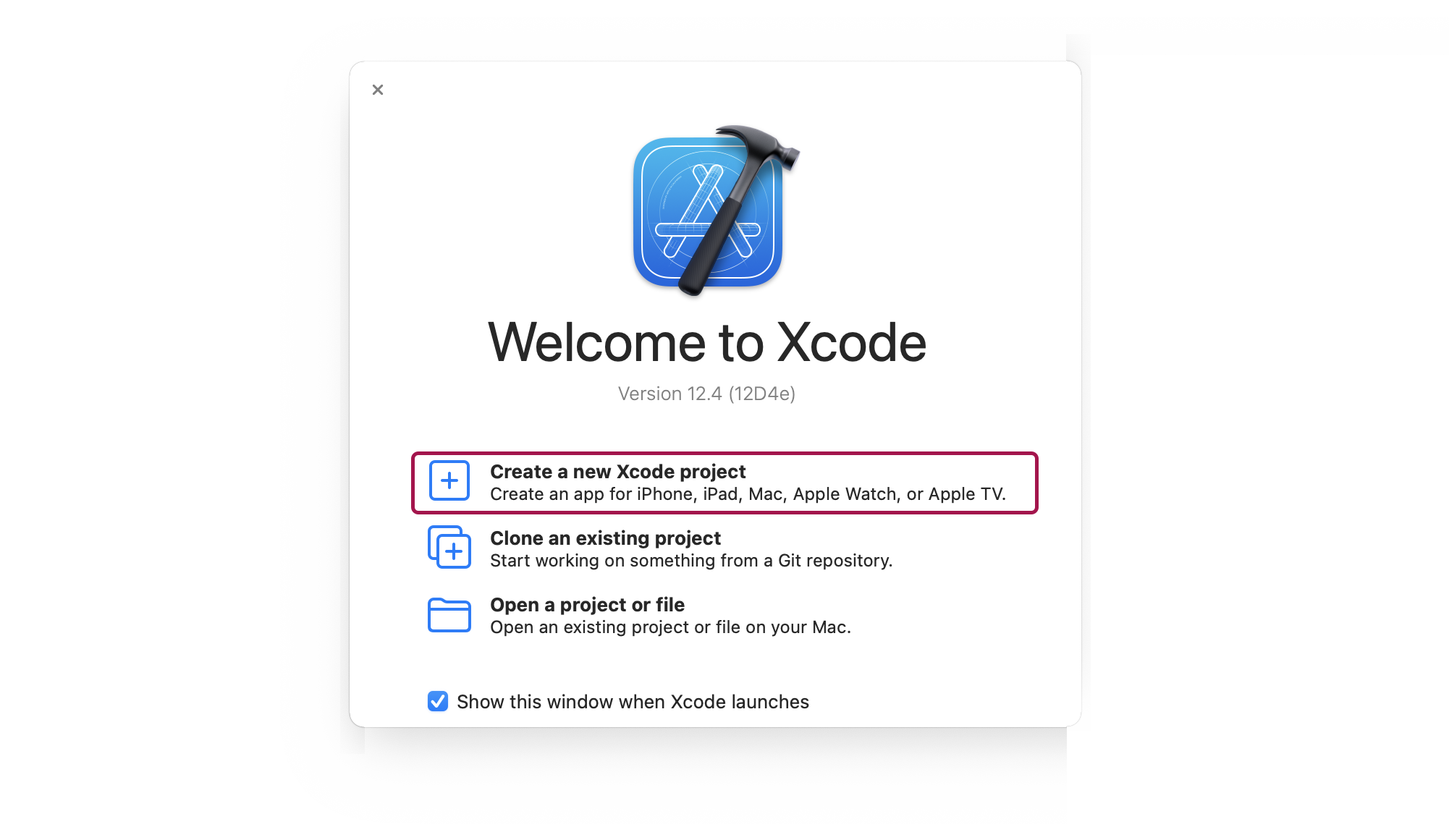
App Template
Select App template and click Next. 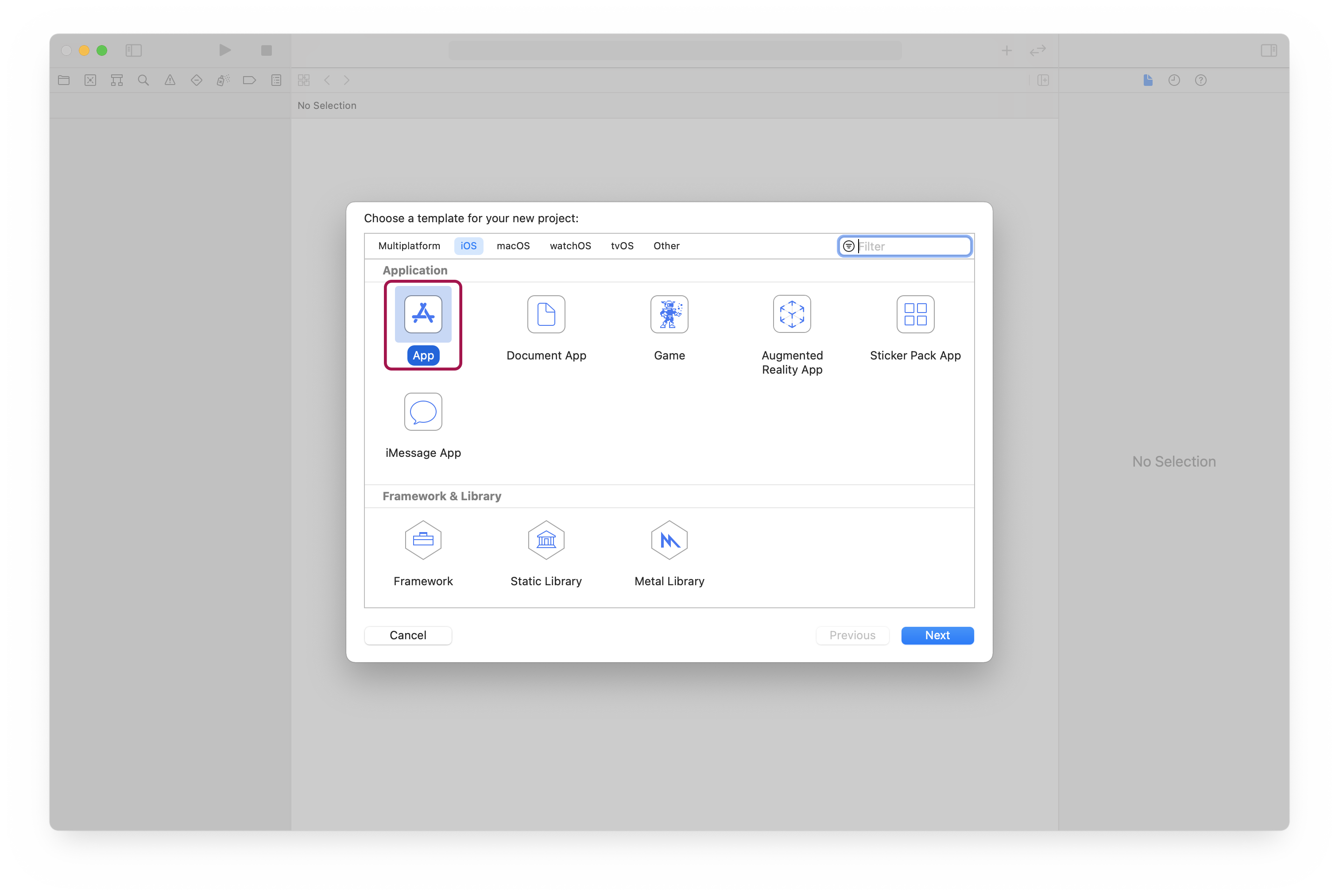
New Project Options
-
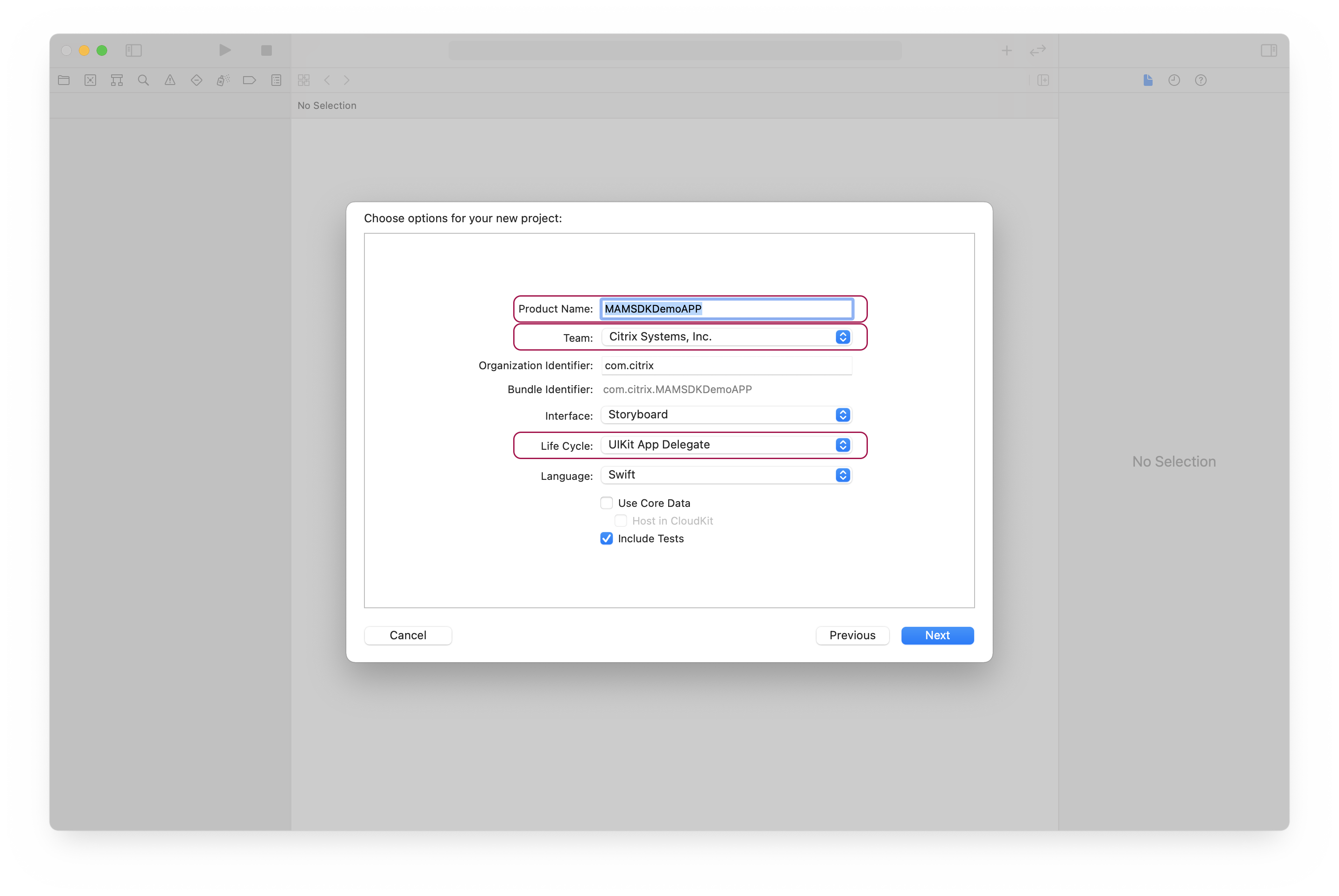
Give your product a name, select a team and click Next.
-
When selecting a team, bear in mind that later there is a build phase script change which will require a team ID.
-
Make sure that Life Cycle is set to UIKit App Delegate.
Create Project
Select a folder and click Create.
Derived Data
Set Derived Data Folder (optional).
-
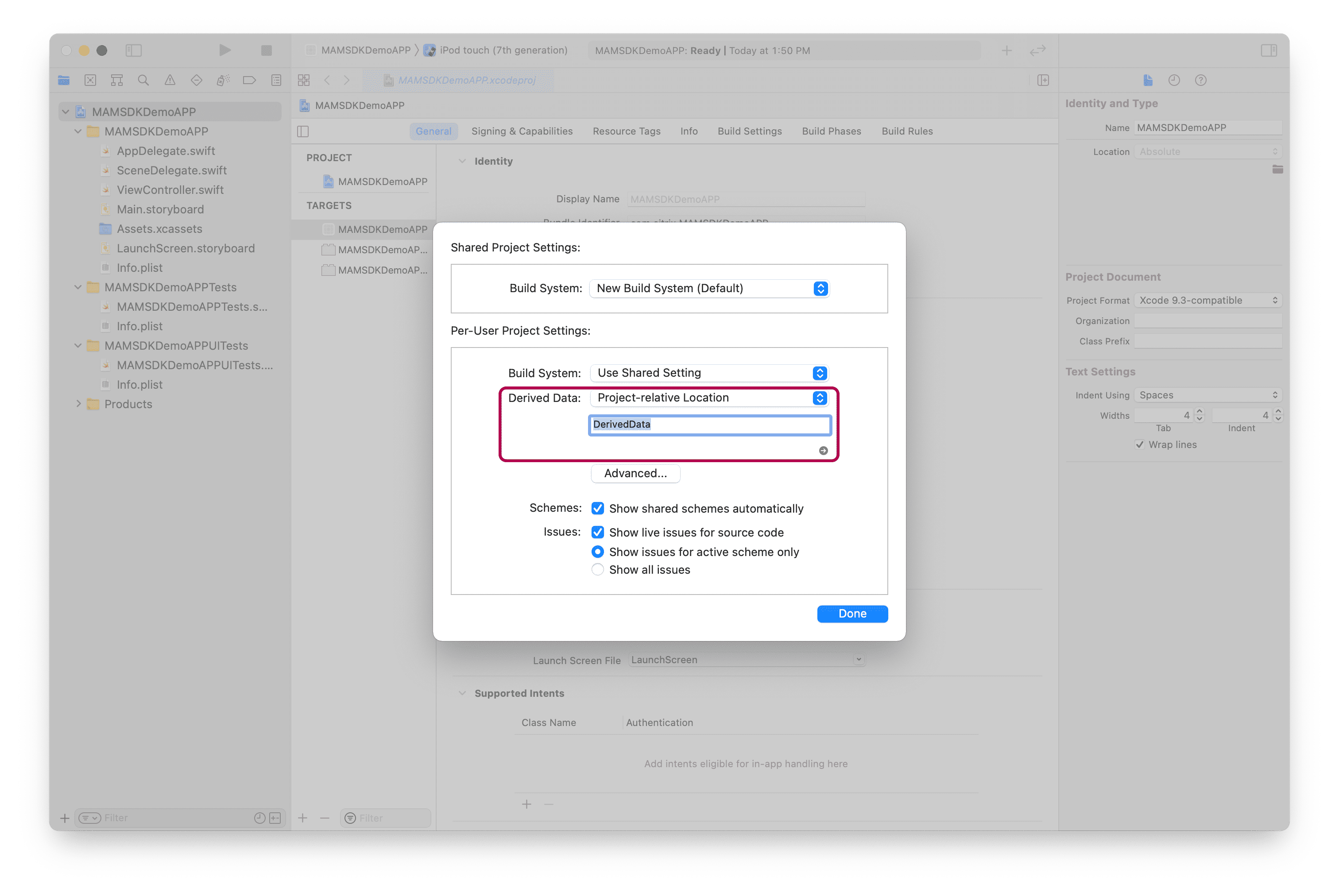
Navigate to File→Project Settings.
-
Set the Derived Data drop down to Project-relative Location in the Derived Data field.
Note:
This will make it easy to clear out the derived data if needed. The derived data folder will be a child of the project folder.
Add Icons
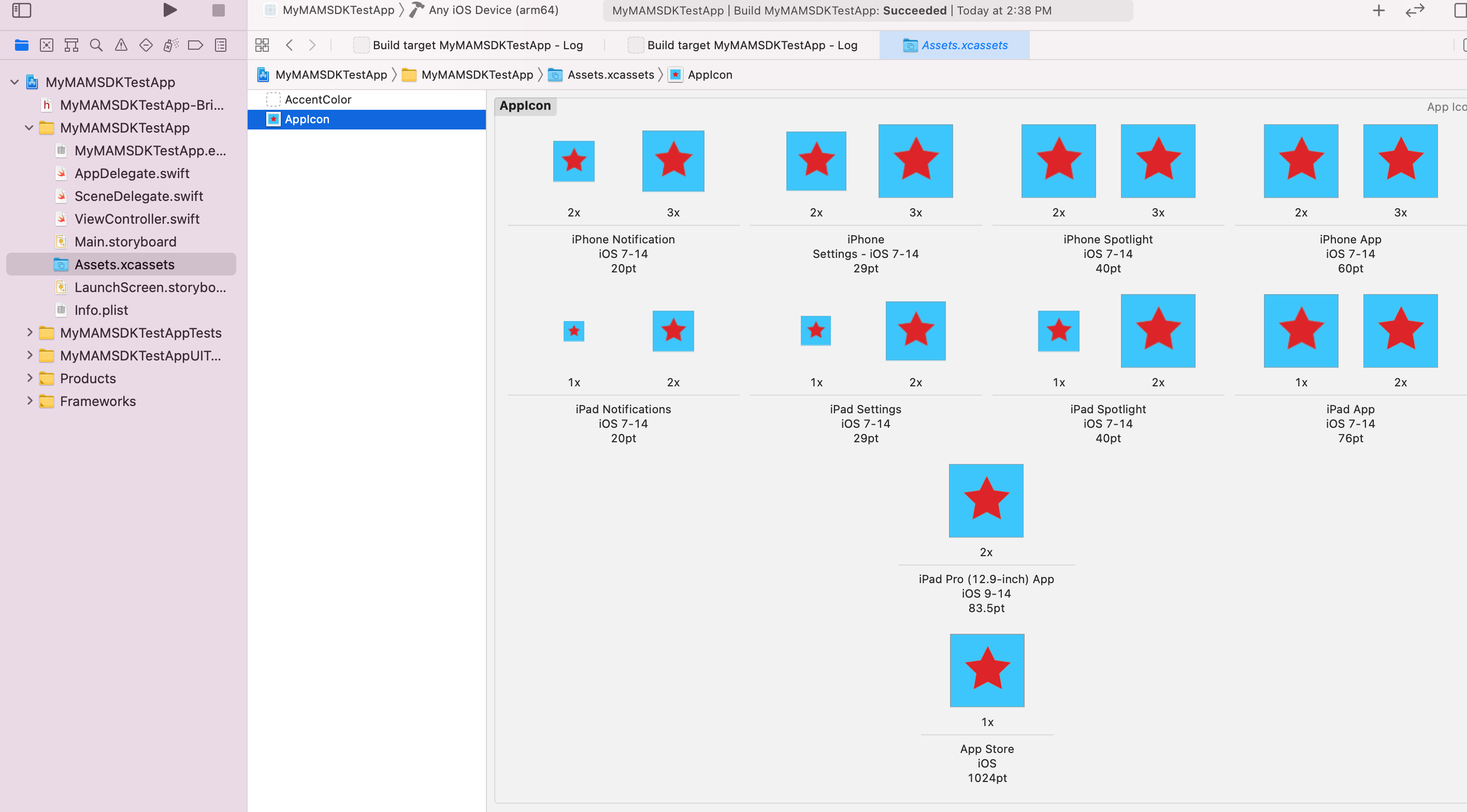
Add Icons to App (Required by CGAppCLPrepTool and in order to create an IPA).
Use any icon generating software of your preference to generate app icons following Apple's guidelines.
Build Project
Make sure it builds successfully. Select Any iOS Device and build.